 Tray
A little less file juggling.A little more flow.
Practical guides for the files passing through your Mac: the download you just saved, the screenshot you need to send, and the folder you keep opening.
Start here
How to organize the Downloads folder on Mac
Turn Downloads into a useful inbox with Finder sorting, deliberate filing and a shelf for active files. Build a routine you can keep using.
Read the guide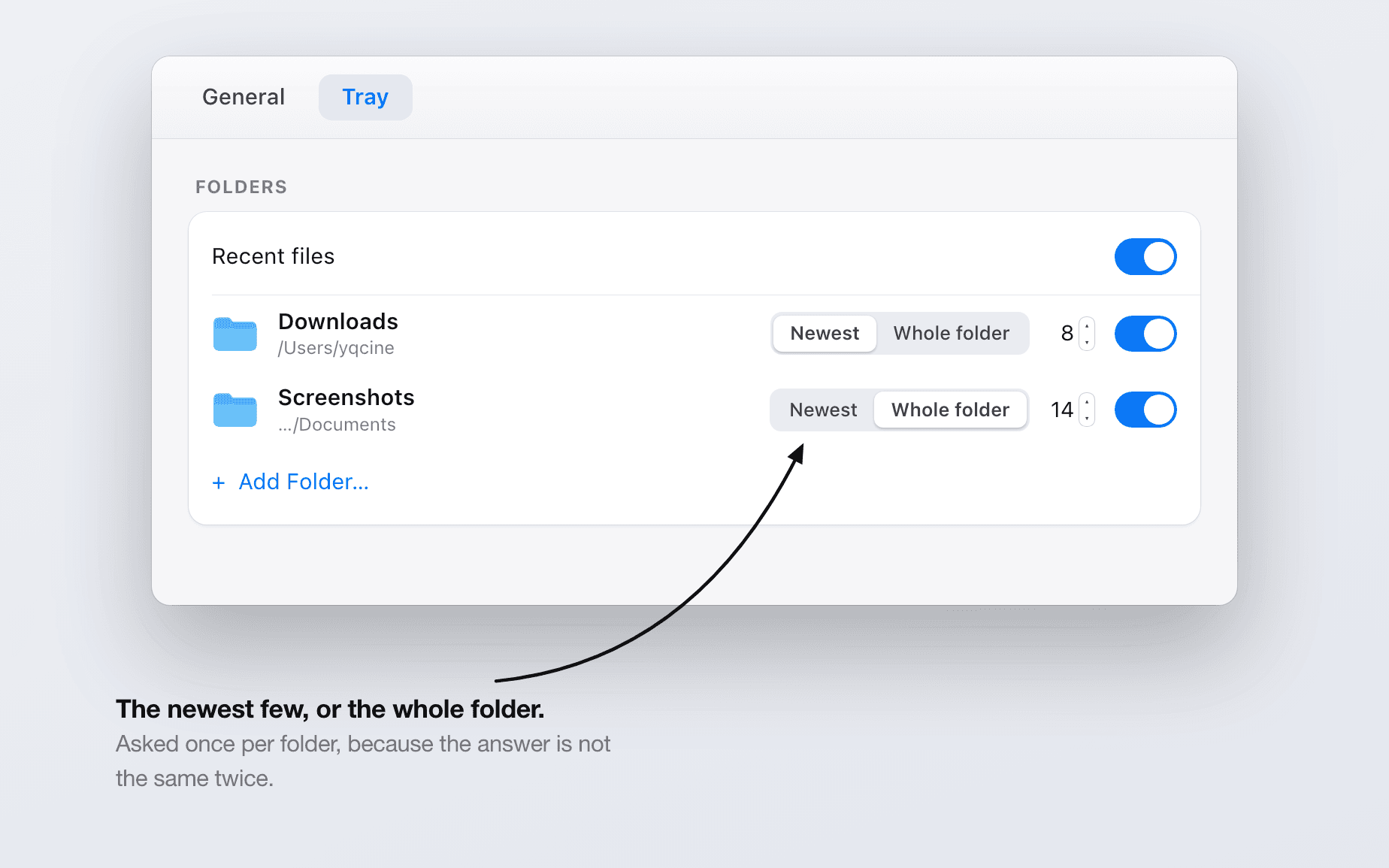
More from the blog
9 articles, one placeTray vs Yoink: two takes on the Mac file shelf
Yoink meets the drag at the screen edge and takes anything draggable. Tray lives in a corner and shows what has just arrived. Where each one fits.
Tray vs Dropzone: a shelf, or a grid of actions?
Dropzone drops files onto actions that upload, resize or file them. Tray holds files while you find where they go. They solve different halves.
Tray vs Dropover: which Mac file shelf fits your workflow?
Compare Tray vs Dropover on shelf activation, watched folders, file actions, cloud sharing and price. Find the Mac workflow that suits your day.
A Mac screenshot workflow from capture to delivery
Choose between the clipboard and a saved screenshot, set a dedicated folder, preview the right capture and send it. Make the next screenshot easier.
What is a temporary file shelf for Mac?
Collect files from separate folders, pause a drag and deliver them when the destination is ready. Learn what a temporary file shelf keeps and changes.
How to drag files between Mac windows
Reach a hidden destination with Mission Control, Finder spring-loading, Stage Manager or a file shelf. Choose a way to drag files between Mac windows.
Watch folders on Mac to keep recent files within reach
Bring recent downloads, screenshots and exports onto Tray by choosing folders to watch. Set up the useful folders and understand what stays on disk.
Finder alternative or file shelf: which do you need?
Compare Finder and a file shelf for browsing, previews, collecting files and moving them between apps. See where Tray fits into your Mac workflow.